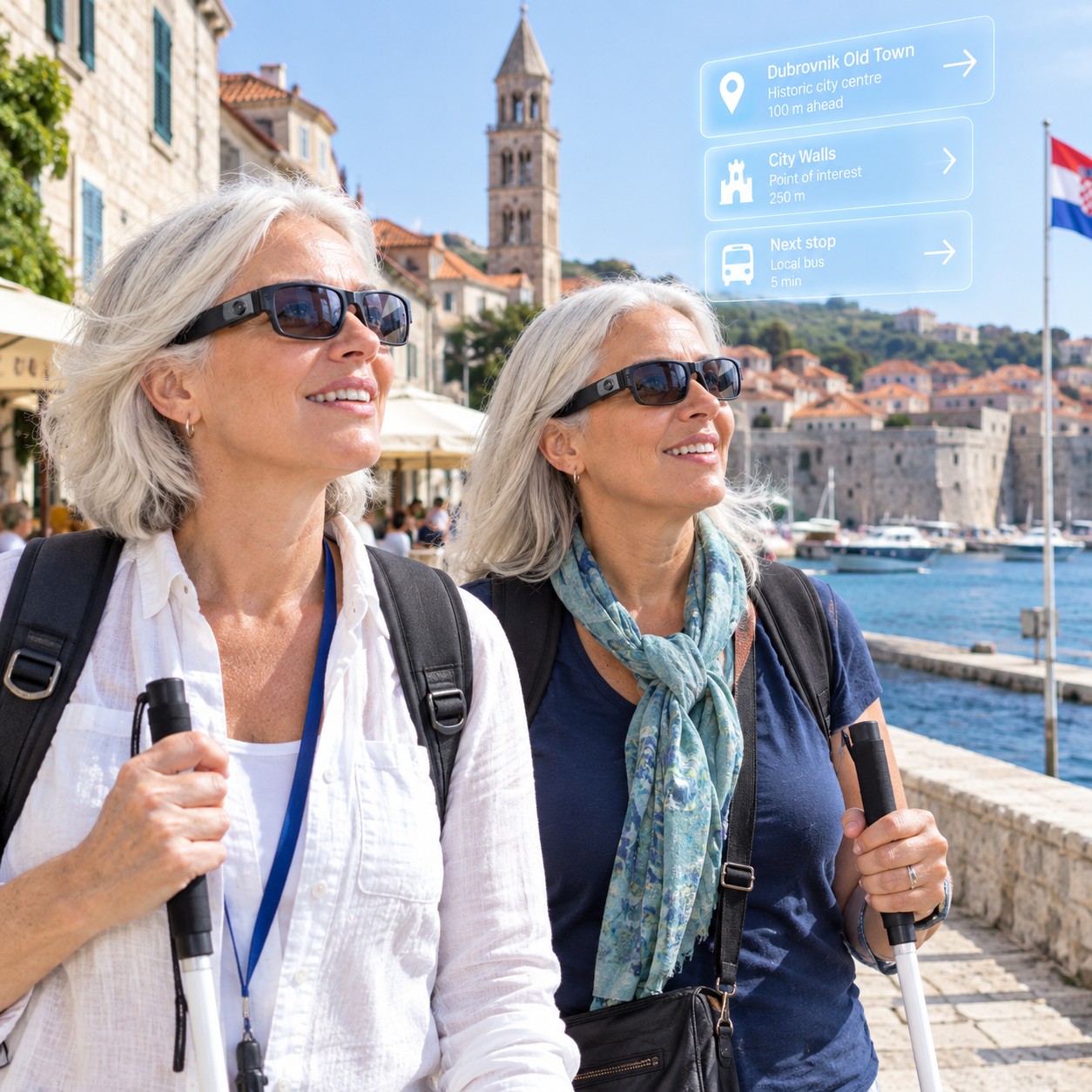
A close friend recently travelled around Croatia with one of her friends. One is blind and one has a vision impairment.
They both used Meta Ray-Ban glasses during their travels.
The technology itself is good. However, it was what the technology allowed them to do that made the difference. It gave them independence.
They could travel, explore and make decisions for themselves without constantly needing another person to step in and help.
That is what accessibility is supposed to be about.
Having the same opportunity to experience life as everyone else. It doesn’t have to be doing it the same way as everyone else. It is about being able to do it.

Like a lot of technologies that are used today, the main reason for the development of smart AI glasses was the needs of people who are blind or have severe vision impairment.
The journey to today’s AI smart glasses did not start with Meta. One of the important steps was OrCam MyEye, which was launched in 2015 as a wearable assistive technology for people who are blind or have low vision. A small camera attached to a pair of glasses could read text, recognise faces, colours, products and money, then provide the information through audio. OrCam’s history of MyEye
OrCam MyEye showed what could happen when artificial intelligence, computer vision and wearable technology were brought together to solve real problems for people with disability. It also meant the person could keep their hands free, rather than having to hold a phone or another device. OrCam MyEye information
Envision took a similar approach. In 2020, Envision announced its AI-powered smart glasses using Google Glass Enterprise Edition 2. Its technology was designed to give people who are blind or have low vision hands-free access to information such as printed text, objects and people. Envision’s AI smart glasses announcement
Then, in 2021, Meta and EssilorLuxottica launched Ray-Ban Stories. This brought cameras, microphones, speakers and voice controls into a familiar mainstream pair of glasses. Meta described Stories as its first generation of smart glasses and recognised the potential benefits of hands-free and voice-controlled technology for people with disability. Meta’s Ray-Ban Stories announcement
In 2023, Ray-Ban Meta took another step, adding improved cameras and audio along with Meta AI and hands-free voice interaction. Meta’s Ray-Ban Meta announcement
What is interesting from an accessibility perspective is the direction this technology has taken. OrCam and Envision showed what wearable AI could do when it was developed specifically for people with disability. Meta then brought similar types of technology into a mainstream product that many people can buy.
Now people with disability are taking that mainstream technology and finding their own uses for it.
And that is often how assistive technology evolves. The technology may be designed for one purpose, but the people who use it find another way to make it work for them.
Meta Ray-Ban glasses were not designed specifically as assistive technology for people with disability.
They are a mainstream consumer product.
They have a camera, microphones, speakers and access to artificial intelligence. They can take photographs, answer questions, provide information about what the camera sees, read text and connect people with other services.
But people with disability have found ways to use those features to remove barriers.
For someone who is blind or has low vision, the camera can become another way of getting information about the world around them.
A sign that cannot be read can be spoken aloud.
An object can be identified.
A menu can be read.
A building or landmark can be described.
Someone can ask a question about what is in front of them without having to find their phone and work out which app they need.
For our friends travelling through Croatia, that meant being able to do more for themselves.
And that is a pretty big deal.

There is another part of this story that I think is really important.
The cheaper technology becomes, the more accessible it can become.
Specialist assistive technology can be expensive. Sometimes it is also difficult to get, difficult to learn or only available through a small number of suppliers.
Mainstream technology is different.
Millions of people may be buying the same product.
That means the cost can come down. It is easier to find. There are more people developing apps and services that work with it.
It also means people with disability can start using technology that was never marketed as assistive technology in the first place.
And this is where things get really interesting.
People with disability find uses for technology that the people who designed it may never have considered.
We see this all the time in assistive technology.
Give someone a tool and they will find a way to make it work for them.
It is not just about people who are blind
Vision impairment is probably the most obvious example with Meta Ray-Ban glasses, but the potential uses are much wider.
Someone with limited mobility may find voice control easier than repeatedly picking up and using a phone.
Someone with a cognitive disability may use voice interaction to get reminders, identify objects or understand what is happening around them.
A person with low vision can use the camera and AI to get more information about their surroundings.
A person who has difficulty reading printed information can have text read aloud.
There are also opportunities for people who are deaf or hard of hearing.
This includes the way wearable technology can provide visual information that would otherwise be heard.

Here is another interesting example. AusLan is the Australian Sign language used by people who are deaf or hard of hearing.
People who use Auslan sometimes face a communication barrier when speaking with someone who does not know Auslan.
The person signing knows exactly what they are saying.
The other person may have no idea.
Technology that can use a camera to recognise and interpret visual information has the potential to help bridge that gap.
There is already research and development happening around artificial intelligence and sign language recognition. However, we need to be careful here.
Auslan is a real language. It has its own grammar, structure and cultural context. It is not simply English being performed with your hands.
So we should not assume that a system designed for another sign language will automatically understand Auslan.
This is also a good example of why people with disability need to be involved in the design and testing of accessibility technology.
They are the people who know whether it actually works.

This is something we sometimes forget when talking about assistive technology.
Technology does not have to solve every problem to make a difference.
If a person who is blind can use smart glasses to identify a sign that they could not otherwise read, that is useful. If they can get a description of a building, that is useful.
If they can connect with a sighted person when they need extra help, that is useful.
If two people with vision impairment can travel through Croatia with more independence, that is very useful.
It is about removing barriers one at a time.
But there is a catch
Of course, there is another side to all of this.
The same technology that makes smart glasses useful can create privacy and cybersecurity risks.
There is a camera and microphones sitting on someone’s face.
There is an internet connection and artificial intelligence processing information.
The glasses may capture other people who have not agreed to be recorded. Information about the wearer may also be sent to online services for processing.
That brings up some important questions. What information is being collected and where does it go? Who has access to it and how long is it kept? What about hacking? And what about the people around the wearer? They are questions we need to ask about any connected technology, particularly technology that can see and hear what is happening around us.
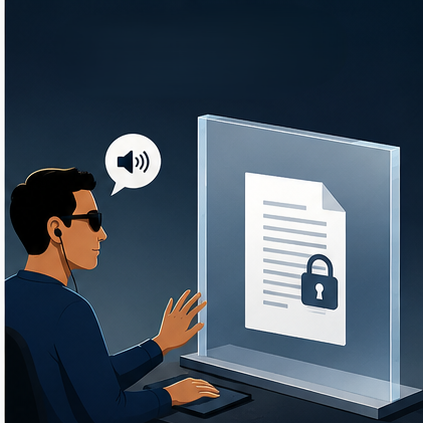
We need to bring balance into the conversation. Cybersecurity and privacy need to be considered when talking about this type of technology. Informed consent needs to be considered. Not everyone wants to be videoed and their rights must be considered.
The question of privacy has come up before. When cameras were first added to mobile phones there was a lot of worry about the break down of privacy in areas from work to gyms and areas in between. The BBC Article, The Camera Phone Backlash talks about what the concerns were in 2004. The backlash has faded. However the concerns are real and should still be considered.
Luke Irwin from Aegis Cybersecurity discusses this issue on the latest episode of The digital Access Show.
It is important that we remember what these glasses can mean for someone with disability. If technology gives someone greater independence, we need to be careful that our response to the risks does not simply create another barrier. The answer is not to ignore the risks. The answer is to understand them and work out how to manage them.
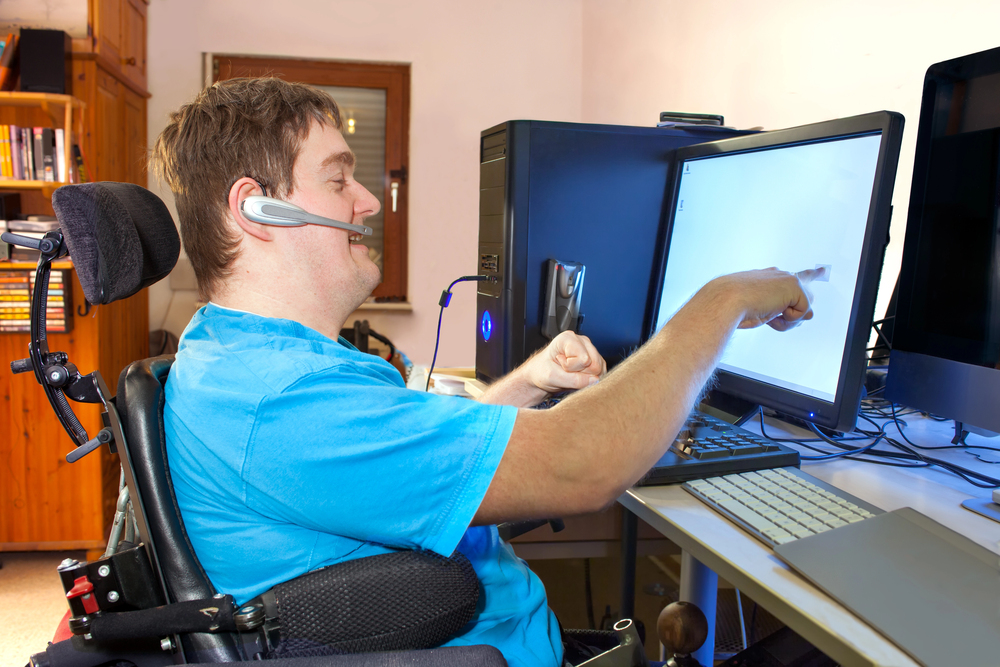
At DASAT, we talk a lot about lived experience.
There is a reason for that.
A person who has never needed assistive technology can look at a product and see a clever gadget.
A person who needs that technology may see something completely different.
They see a way to read a menu.
A way to understand a sign.
A way to travel.
A way to communicate.
A way to do something independently.
That is why people with disability need to be involved in accessibility testing and technology development.
We need to ask them what works.
We need to ask them what does not work.
And we need to listen when they tell us how they are using technology in ways nobody expected.
Because sometimes the best assistive technology is not the product that was designed for people with disability.
Sometimes it is the mainstream technology that a person with disability has picked up and made their own.
For our friends in Croatia, a pair of smart glasses helped turn a trip into an experience they could enjoy more independently.
That is a pretty good example of what technology can do when it removes a barrier instead of creating one.
And yes, we need to talk about the cybersecurity risks.
That is exactly what we are doing in our podcast.
Because accessibility and security should not be competing goals.
We need both.

Text-to-speech tools such as screen readers can read words aloud, but they cannot make confusing language clearer.
If a sentence is complicated, the tool will still read the complicated sentence.
If an instruction is vague, it cannot explain what the organisation actually means.
If an expression is culturally specific, it cannot automatically tell the person what the writer intended.
The technology can provide access to the words.
The writer still needs to make sure the words communicate the right meaning.
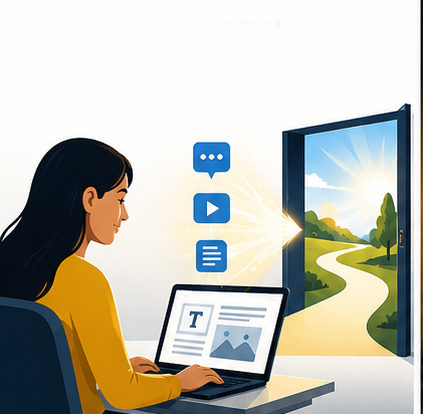
Digital accessibility is about more than getting information to someone.
It is about whether they can understand and use it.
Someone can be able to see the words. Someone can be able to hear them. Someone can have them read aloud by a text-to-speech tool. Someone can even be fluent in English.
And they can still struggle to understand the message.
Good digital accessibility means thinking about language, culture, technical terminology, acronyms, instructions and the assumptions we make about the person reading the information.
Because information that people can access but cannot understand is still a digital barrier.
The words we choose matter.