Beyond Technical Accessibility
When people talk about digital accessibility, the conversation almost always starts with structure. We discuss headings, styles, alternative text, reading order, accessible tables and WCAG compliance. As someone who spends a lot of my time remediating documents and helping organisations create accessible content, I understand why. Without proper structure, many people using screen readers and other assistive technologies simply cannot access information effectively.
Structure matters. It is the foundation of accessibility.
What I have been thinking about recently, though, is whether we sometimes place so much emphasis on structure that we forget about the content itself. A document can be technically perfect and still leave readers confused, frustrated or unable to make informed decisions. Accessibility is not just about whether information can be accessed. It is also about whether that information is meaningful, understandable and useful.

I often use a pikelet recipe to explain this idea.
Imagine carefully following a recipe. Every ingredient is measured correctly. The method is perfect. The cooking time is spot on. Then someone accidentally swaps the sugar for salt. Technically, the recipe was followed correctly, but the result is not what anyone wanted.
I see the same thing happen with accessibility. I regularly review documents that pass accessibility checkers with flying colours. The headings are perfect. The reading order is correct. Screen readers can navigate every section. Yet when I read the content, I find jargon, unexplained acronyms, assumptions about prior knowledge and information that is difficult to understand unless you already know the subject matter.
The structure is accessible.
The content is not.
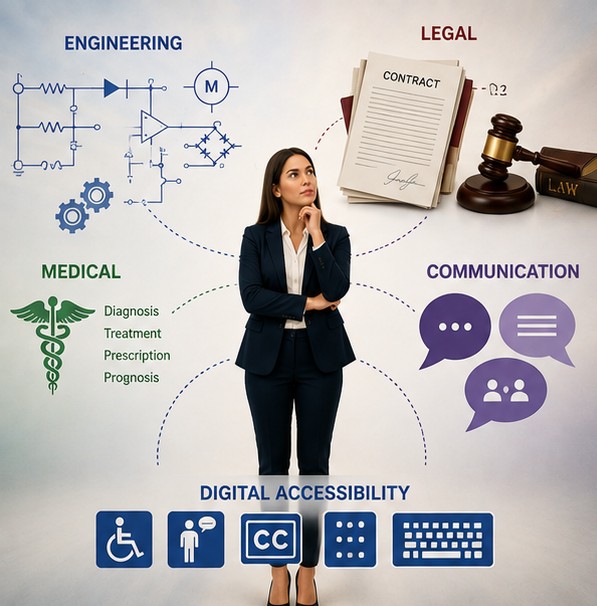
During accessibility audits, this is one of the most common issues I encounter. Organisations can become so focused on passing an accessibility checker that they forget why they created the document in the first place. The purpose of a document is not to satisfy a compliance requirement. The purpose is to communicate information to people.
If people cannot understand that information, something has gone wrong.
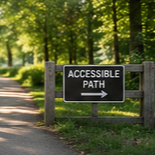
I often find myself thinking about the similarities between digital accessibility and the physical world. One example I come back to regularly is public signage. A sign may be large, professionally designed and positioned where most people can see it. To many people, that sign is accessible.
For me, the experience can be very different.
If I cannot read the sign independently, the information may as well not exist. The sign has fulfilled its purpose for some people, but not for everyone. Most people understand this concept immediately because they can see the barrier. The information is there, but access to the information is not.
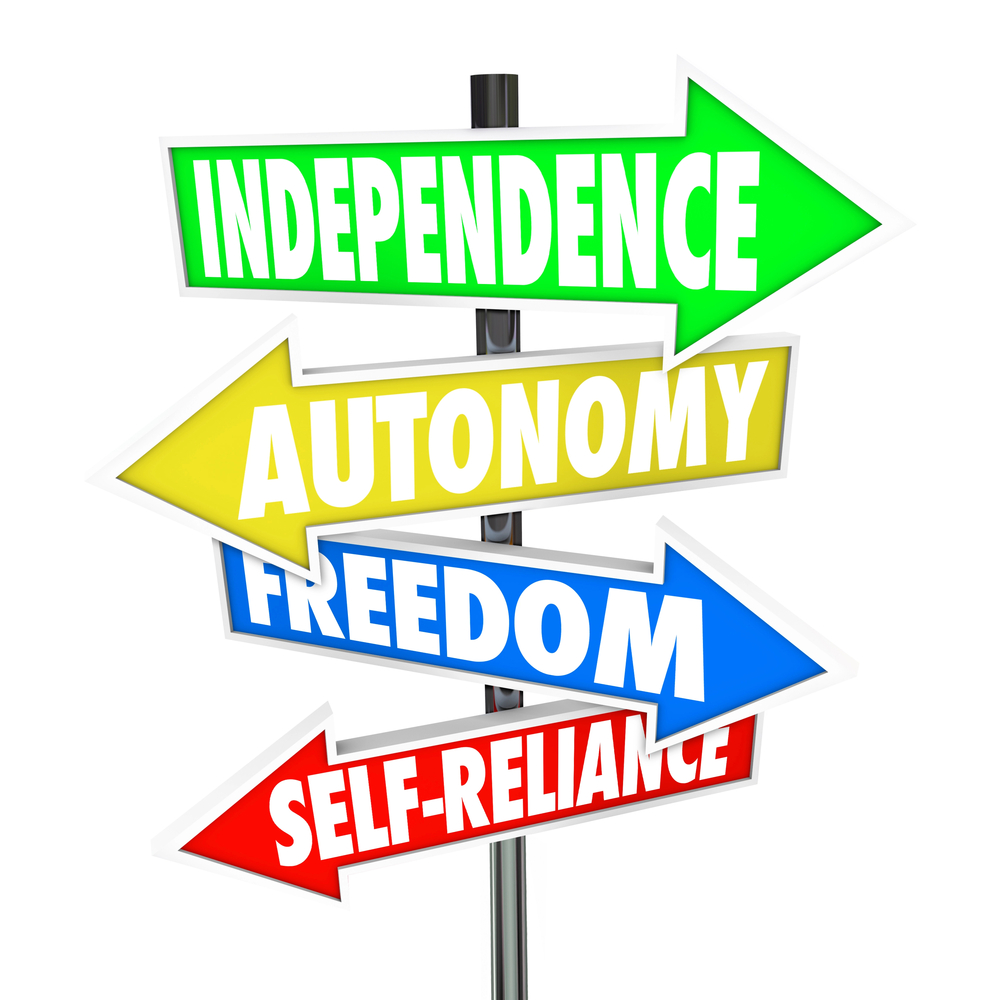
The same principle applies to buildings.
A building with stairs and no ramp is clearly inaccessible. Most people recognise that immediately. The barrier is visible and easy to understand.
What I find interesting is what happens when we add a ramp.
Suddenly we tend to label the building as accessible. The box has been ticked. The feature is there.
But what if nobody can find it?
I have visited buildings where the accessible entrance was hidden around the side or back. There was little or no signage. The website didn’t explain where to go. Visitors were expected to somehow know where the accessible route started. In those situations, the accessibility feature exists, but the information needed to use it does not.
Technically accessible and genuinely usable are not always the same thing.

This is where I think the work being done by Cérge provides a valuable lesson for all of us working in accessibility. The platform focuses on helping venues communicate accessibility information before a person arrives. Through access guides, sensory guides, visual stories, communication tools, virtual tours and other resources, it helps people understand what they can expect from a venue and how they can access it.
What stands out to me is that Cérge recognises that information itself is an accessibility feature. A venue may have accessible parking, but people need to know where it is. A venue may have a quiet space, but people need to know it exists. A venue may have staff trained to support people with disability, but people need to know they will be welcomed and understood before they arrive. By reducing uncertainty, the platform helps remove barriers that physical infrastructure alone cannot address.

The more I think about it, the more I see a direct connection between WCAG and the work of Cérge. At first glance, they appear to exist in different worlds. WCAG focuses on digital accessibility. Cérge focuses on physical venues, accessibility information and inclusion. Yet both are really trying to achieve the same outcome. They help people access information so they can participate confidently in their communities and everyday lives.
When I recently spoke with Sandra Muller from True North Content on The Digital Access Show podcast, we arrived at a similar conclusion from different directions. Sandra approaches the challenge through content strategy and communication. I approach it through accessibility. Yet we both kept coming back to the idea that people need information they can actually understand. Structure helps people get to the information. Content determines whether they can do anything with it once they arrive.
That distinction matters.
A screen reader can read every word in a document perfectly, but understanding is a completely different outcome. I have seen highly accessible documents that very few people would be able to understand on their first read. Compliance had been achieved, but communication had not.
The longer I work in accessibility, the more I see structure and content as having the same relationship as ramps and signage. The ramp creates access. The sign helps people find it. One without the other is incomplete. A hidden ramp limits access even though the feature exists. A perfectly structured document with poor content creates exactly the same problem.
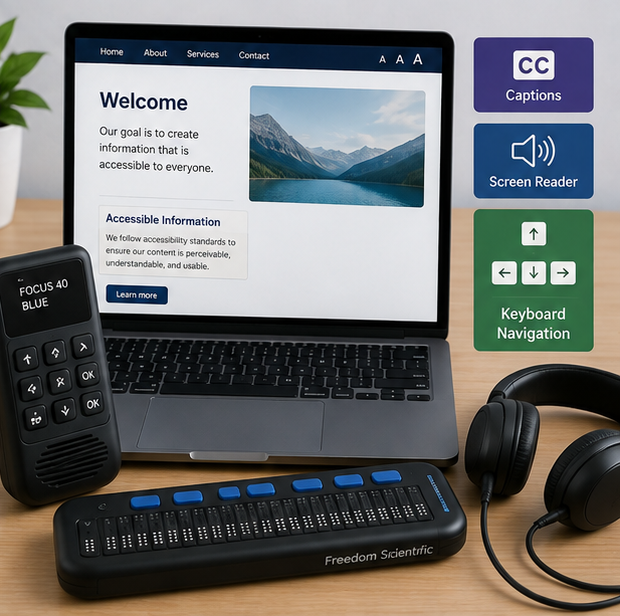
Too often, accessibility work stops when the checker says “passed”. I think that is only the start of the conversation.
WCAG matters. Microsoft Word styles matter. Accessible PDFs matter. Compliance matters.
But the real goal has never been compliance.
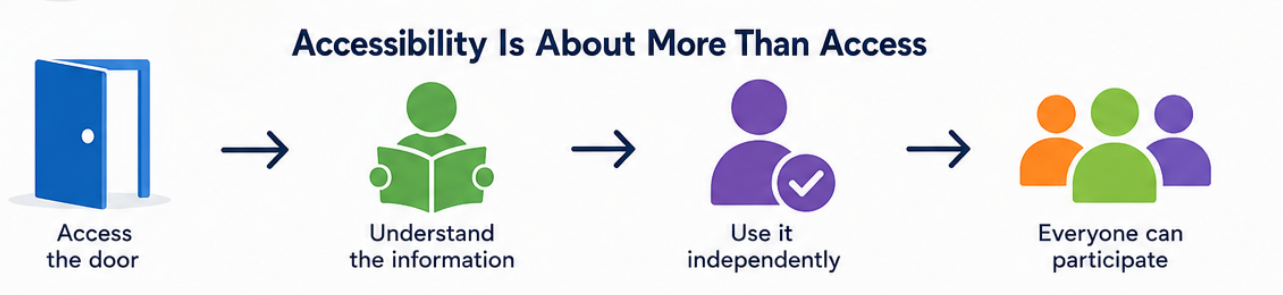
The goal is helping people find information, understand it and use it independently. Whether the barrier is a document, a website, a sign in a public space or the entrance to a building, the principle remains the same.
Accessibility is not about whether something exists.
Accessibility is about whether people can find it, understand it and use it.
That is why structure matters.
And it is exactly why content matters just as much.