Social media accessibility is a real issue.
I look at social media every day. Facebook, LinkedIn, and very occasionally, Instagram. I use it to keep in contact with family and friends. It is used for marketing where I work. I find out about events using the tools. Social media has become part of everyday life for many other people as well. Catching up with their family and friends. Discovering new products businesses and staying up to date about what is happening in our communities. For many organisations, it is also part of their marketing strategy.
But what happens when someone can’t access the information as it is not accessible? This is a common experience for many people. Not just people with disability. Some people wait until they get home or another spot where they can access the information. Think bad lighting or noisy environments. Others just don’t read it.
Every day, people miss important announcements, job opportunities, community events and conversations because social media content has not been created with accessibility in mind. These are invisible barriers that many never realise they are creating.
For many people with disability, social media is much more than entertainment. It is their connection to the outside world.
Not everyone can leave the house whenever they choose. Some people rely on support workers, accessible transport or assistance from family members to get out. Others live with health conditions, chronic pain or disabilities that make leaving home difficult or impossible on some days.
Social media does bridge that gap. It allows people to stay connected with family, participate in community groups, learn about local events, find support networks and continue to feel part of society. When that information is inaccessible, people are not simply missing a post. They are missing opportunities to connect with the world around them.
When people think about digital accessibility, they often think about websites. However, accessibility is just as important on Facebook, LinkedIn, Instagram and every other social media platform.
People who are blind or have low vision may use screen readers to have content read aloud. Others rely on screen magnification, voice control, captions or alternative input devices to access information. People with cognitive disability also benefit from clear language, simple layouts and easy-to-read content.
When social media posts are not created with accessibility in mind, these technologies cannot always present the information correctly. The result is that people are excluded from conversations that many are excluded from.
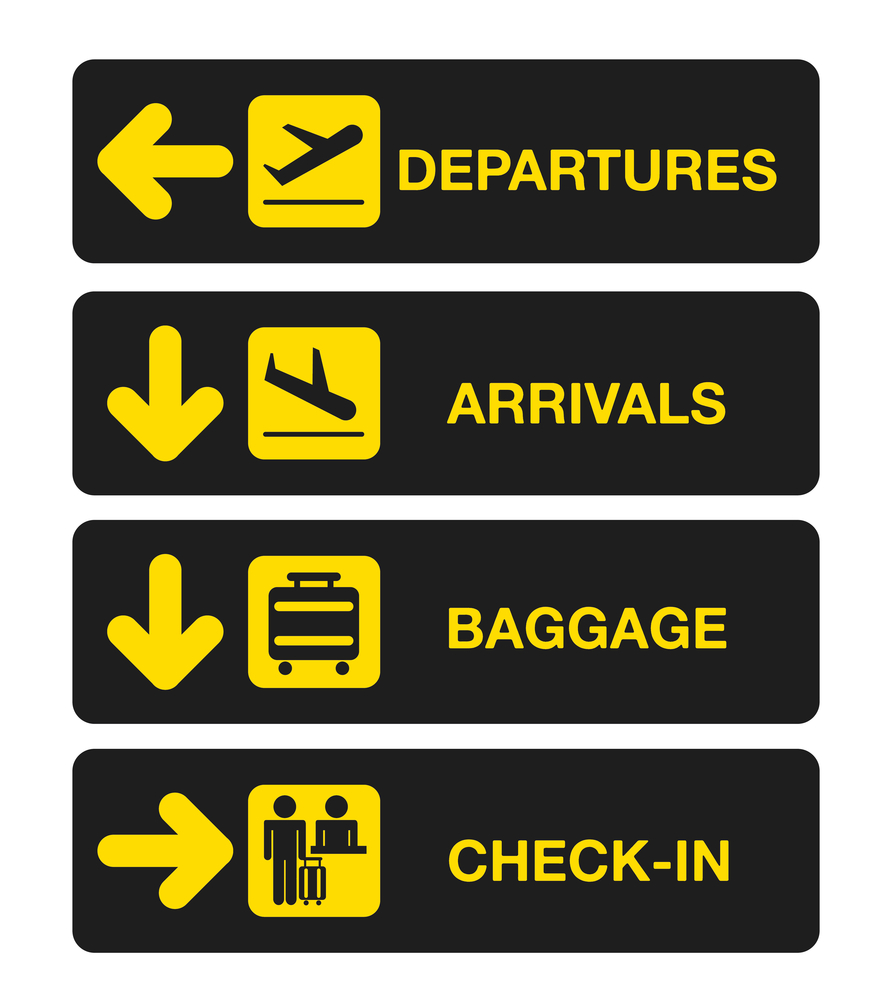
One of the biggest accessibility barriers is sharing important information inside an image without providing an alternative.
Think about a business promoting an event on Facebook using images of flyers. The flyer contains the date, time, venue, booking details and contact information. Someone looking at the image can read everything in seconds.
Someone using a screen reader may only hear the word “image.”
Without alternative text or a description in the post itself, they never receive the information. They may not even know the event exists.
A simple description can make the difference between someone attending an event or missing out completely.
Video has become one of the most popular ways to communicate on social media. Businesses use video to introduce services, community groups share updates and organisations provide important announcements.
Without captions, people who are Deaf or hard of hearing may miss the message completely. Captions also help people watching in noisy environments, quiet workplaces or when English is not their first language.
Those who can’t see the video will hear the audio. If the audio doesn’t explain what is on the video, and the video has the important information, then the information goes missing. Ensuring that the information is either written in the text or audio description is used ensures that the information doesn’t go missing.
Accessibility gives a better experience for everyone including people with disability.

Sometimes the barriers seem small. Decorative fonts may look creative, but many screen readers cannot interpret them correctly. Text placed over busy backgrounds can be difficult to read, and poor colour contrast can make words disappear for people with low vision.
Even hashtags can become a barrier. The hash tag, #digitalaccessibility is not as easy to read as writing them in Camel Case: #DigitalAccessibility. The screen readers now recognise each word and makes them easier for everyone to read.
Emojis can also create unnecessary clutter. A screen reader reads every emoji aloud, so using too many can make a simple post frustrating to listen to.
None of these issues are difficult to fix. They simply require thinking about how different people access information.

Facebook provides several accessibility features, but they only work when people know about them and use them.
Add alternative text to images whenever possible and include important details in the written post instead of placing everything inside a graphic. If you are sharing an event, repeat the date, time, venue and booking information in the post so everyone can access it.
Always add captions to videos and use plain language that is easy to understand. Don’t use long paragraphs. Use simple language. The more concise your communication, the more people you will reach.

LinkedIn is where people build professional relationships, look for employment opportunities and stay informed about their industry. Accessible content ensures those opportunities can be accessed by everyone.
Keep your writing clear and easy to follow. Add descriptions to images, caption your videos and break longer posts into short paragraphs. If you share reports, brochures or PDFs, make sure those documents are also accessible.
Accessibility on LinkedIn is about creating equal access to professional information and opportunities.
Instagram is built around visual content, but that does not mean accessibility should be overlooked.
Use Instagram’s Alternative Text feature to describe your images. Write captions that explain what is happening instead of relying only on the picture and always caption your Stories and Reels so people can follow the conversation.
Avoid placing important information over busy images or using colour alone to communicate meaning. High contrast and clear fonts make your content easier for everyone to enjoy.
Imagine following a business because you are interested in its services. Every second post contains images without descriptions, videos without captions and graphics that cannot be understood with assistive technology.
After a while, you stop trying.
People are not choosing to ignore businesses. They are often being excluded by the way information is presented. Every inaccessible post sends the message that accessibility was not considered.
Every accessible post says that everyone is welcome, everyone matters and everyone deserves access to the same information.
Digital accessibility cannot be treated as an optional extra. Creating accessible social media does not require expensive software or specialist skills. It starts with thinking about the people on the other side of the screen and making sure information can be reached, understood and acted on in more than one way.
For some people with disability, social media is their connection to the world beyond their front door. It is how they keep in touch with family, learn about community events, find support, follow businesses and remain connected to the people and places that matter to them.
Every accessible post removes one more invisible barrier. When organisations choose to make social media accessible, they are improving communication, creating better user experiences, building trust and helping ensure that nobody is left behind.
For more information about breaking down invisible barriers read the book, “Invisible Barriers” by Narelle Wright. Released on the Do Better Access website it looks at the vulnerabilities that people with disability experience when the barriers are there and are invisible to many.