


The World Wide Web Consortium, W3C for short, has developed a set of Guidelines that define how websites and other forms of digital communication can be developed to remove or limit communication barriers. W3C is an international community of member organisations, full time staff and the public that works together. It was started and is currently led by Tim Berners Lee, who is credited with the invention of the web.
W3C created the Web Accessibility Initiative (WAI) to develop the guidelines.
The guidelines have been implemented worldwide and are credited with ensuring access for the disabled. The guidelines are known as the Web Content Accessibility Guidelines, WCAG for short. The current WCAG standard is 2.2.
The standard in Australia is AS EN 301 549:2024. It is based on the Web Content Accessibility Guidelines Level 2.2 Level AA.
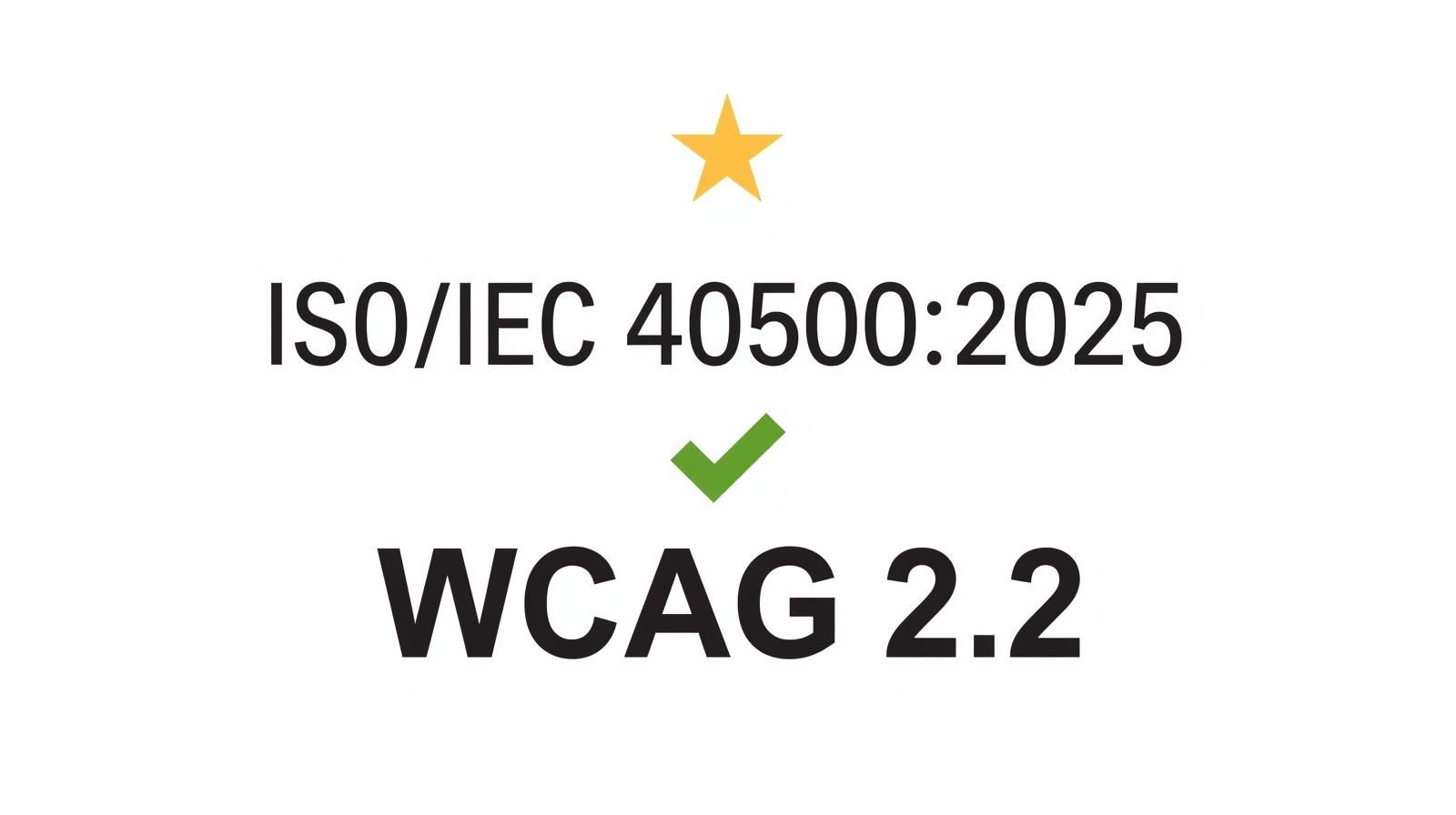
The International Organisation Standard in conjunction with the International Electrotechnical Commission have updated their standard, ISO/IEC 40500 to be referencing the Web Content Accessibility guidelines 2.2 level AA. The standard is ISO/IEC 40500:2025.
Perceivable sets standards about the way the website is viewed. How does it look on a mobile phone versus a desktop? Is the information still readable? That is the website is easy to understand and use. Perceivable looks at the layout of the website or document. how are the images treated on screens, do the form fields have labels attached that describe the field, Do the videos on the screen have captions or transcription that makes them accessible to the deaf or vision impaired.
Operable looks at whether the user can access the website and find the information easily. Can the website or document be able to be accessed by just the mouse or just the keyboard? Can the user get around the website or document using keyboard shortcuts. Is the site navigable? Do the videos have the controls implemented to ensure that the user can stop and start the videos as they need to? Are any flashes or animation able to be disabled to ensure that users that have seizures can use the website.