


Digital Accessibility Health Check

The Digital Accessibility Health Check is an affordable expert review of your website that identifies common user experience and accessibility barriers. In just one hour, we assess how easy your website is to use and provide practical recommendations to help you create a better digital experience for every visitor.

Investment: Just $132 including GST for a one hour professional review of your website and a personalised Digital Accessibility Health Check Report.

Men sitting at computers working.

Thank you

Thank you for completing the Digital Accessibility Confidence Check.

This assessment is designed to raise awareness of common digital accessibility considerations.

It is not an accessibility audit and cannot determine whether your website or documents comply with accessibility standards.

If you answered No or Unsure to any questions, your organisation may benefit from a Digital Accessibility Health Check.

The Health Check provides a professional review of your website, documents and online services together with practical recommendations for improvement.

Why Have a Digital Accessibility Health Check?

Your website is often the first impression customers have of your organisation. If visitors struggle to navigate your site, complete an online form or find the information they need, they may leave before ever contacting you. The Digital Accessibility Health Check is an affordable one-hour review that identifies the biggest barriers affecting your customers, highlights priority improvements and provides practical recommendations to create a smoother, more engaging online experience.

If you’re asking, Where are our biggest barriers? What should we improve first? Do we need a comprehensive accessibility audit? the Digital Accessibility Health Check provides the answers. It’s a simple first step to improving customer satisfaction, increasing engagement and ensuring your website works better for everyone.

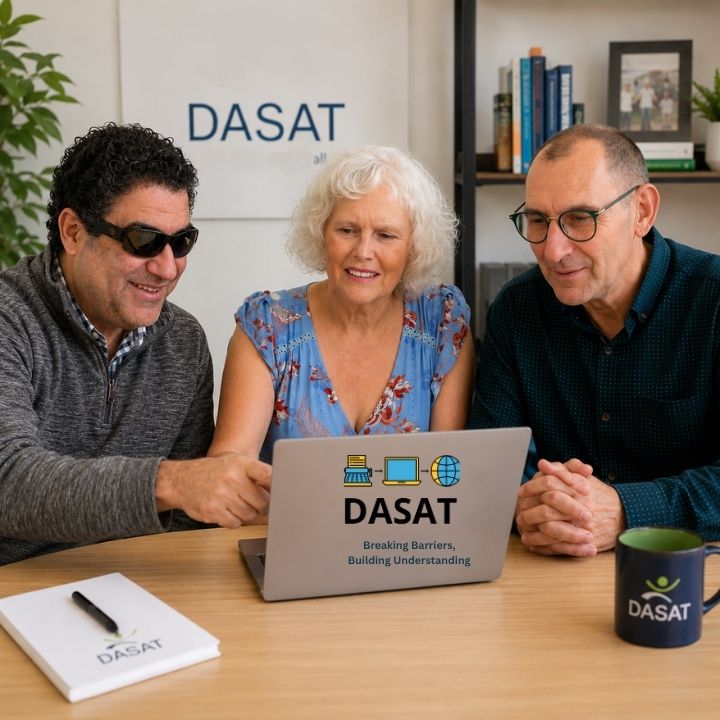
Mark, Narelle and Allan are looking at a laptop.
A man and a woman are sitting at a desk looking at a laptop.

What We look for

A drawing of an eyeReadability

A compass needleNavigation

A checklist documentForms

Professional looking document with accessibility icons highlighting the difference between Accessible vs Usable and the importance of creating documents that are both accessible and easy to use.Documents

A colour wheelColour Contrast

A mobile phoneMobile Phone

A chain linkLinks

A computer keyboardKeyboard Accessibility

The Process

Calendar Icon

Book

Choose a time that suits you.

A drawing of a Windows Computer screen. Review

We review your website.

A documentReport

Receive practical recommendations.
A drawing of an arrow pointing upwards.Improve

Decide your next steps with confidence.
Why choose DASAT?

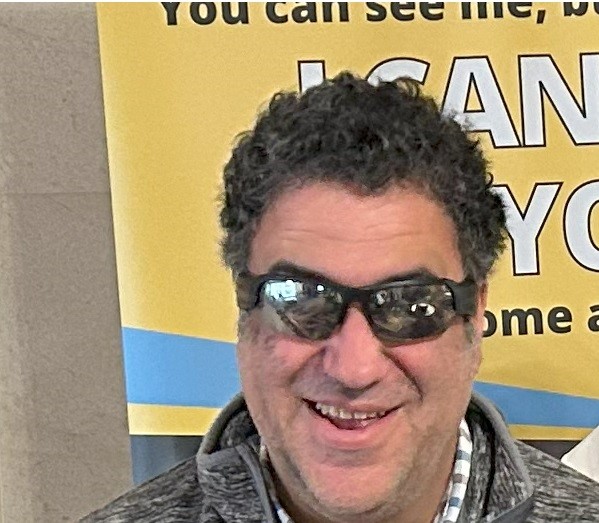
Mark Muscat is wearing sunglasses and is standing in front of a banner.
Accessibility isn’t just our profession. It’s something we navigate every day. That lived experience helps us identify barriers that automated tools and checklists often miss.